
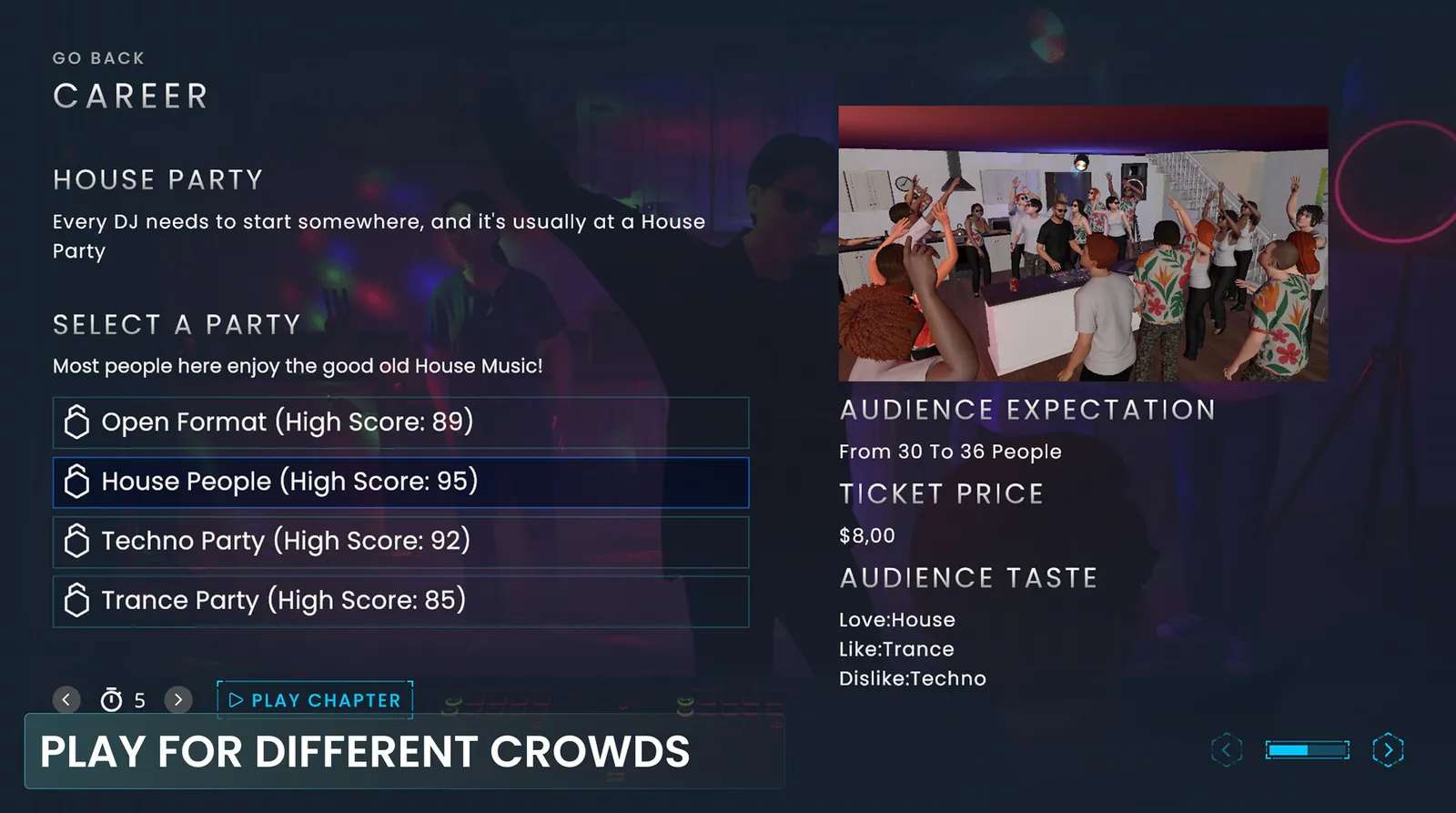
Career
Start in your bedroom and work your way up through house parties, clubs and festivals. Each chapter has its own crowd size, ticket price and music taste, so you pick tracks for the room in front of you.
Plug in a real DJ controller, or use mouse and keyboard, and learn professional mixing while you build a career from your bedroom to festival stages.
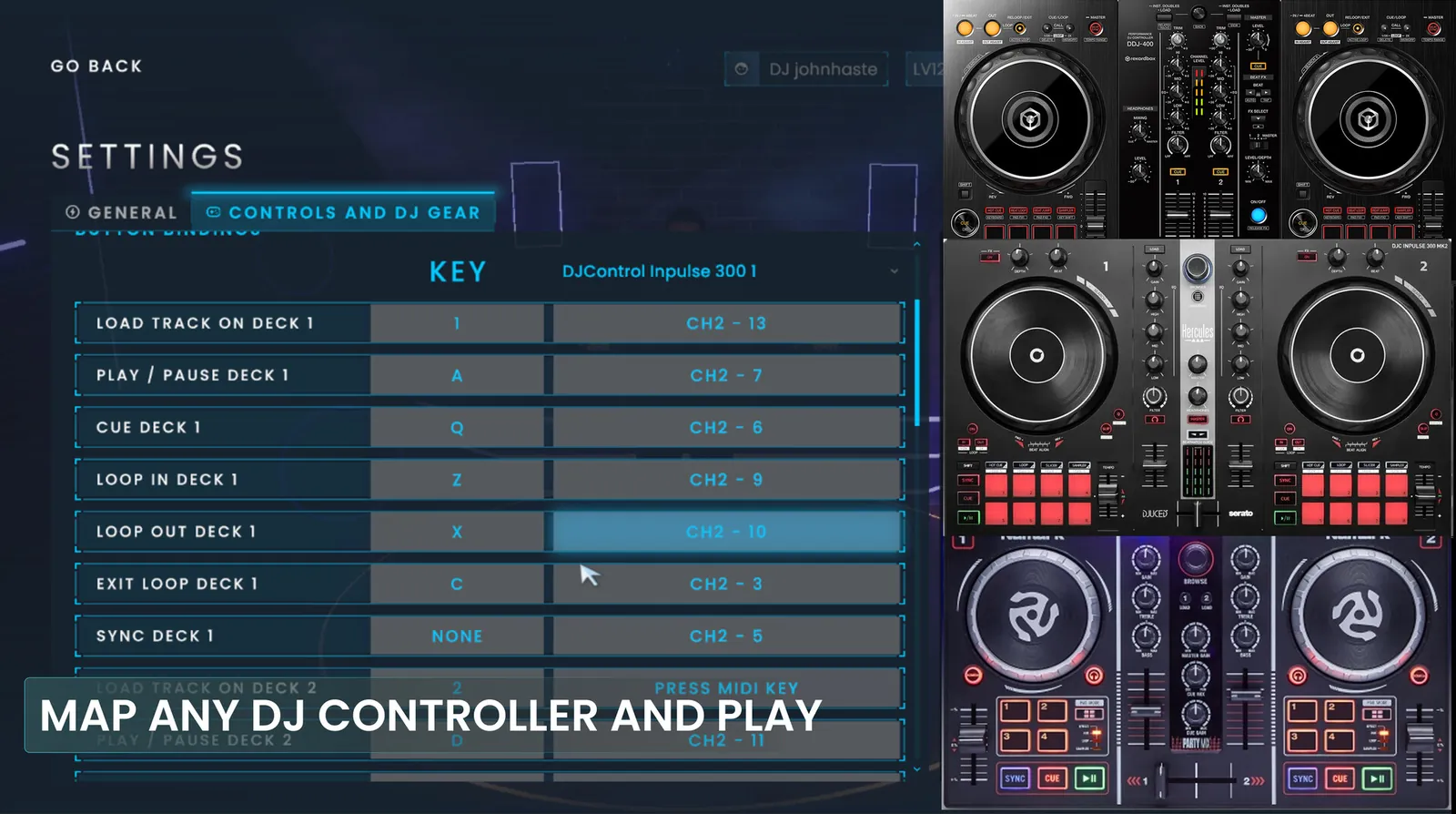
AlphaTheta and Pioneer DJ controllers work the moment you plug them in. Most other MIDI controllers can be mapped in the game settings.
Pick a model to see whether it's plug and play, needs mapping or isn't supported yet.
It's plug and play in DJ Life Simulator and a solid first controller for real gigs.
Affiliate link: we may earn a small commission, at no extra cost to you.
Controllers tested by our players
AlphaTheta / Pioneer DJ
Serato
Hercules
Numark
Native Instruments Traktor
RANE
Denon DJ
Reloop
Follow a career, take lessons, or just mix.
Start in your bedroom and work your way up through house parties, clubs and festivals. Each chapter has its own crowd size, ticket price and music taste, so you pick tracks for the room in front of you.
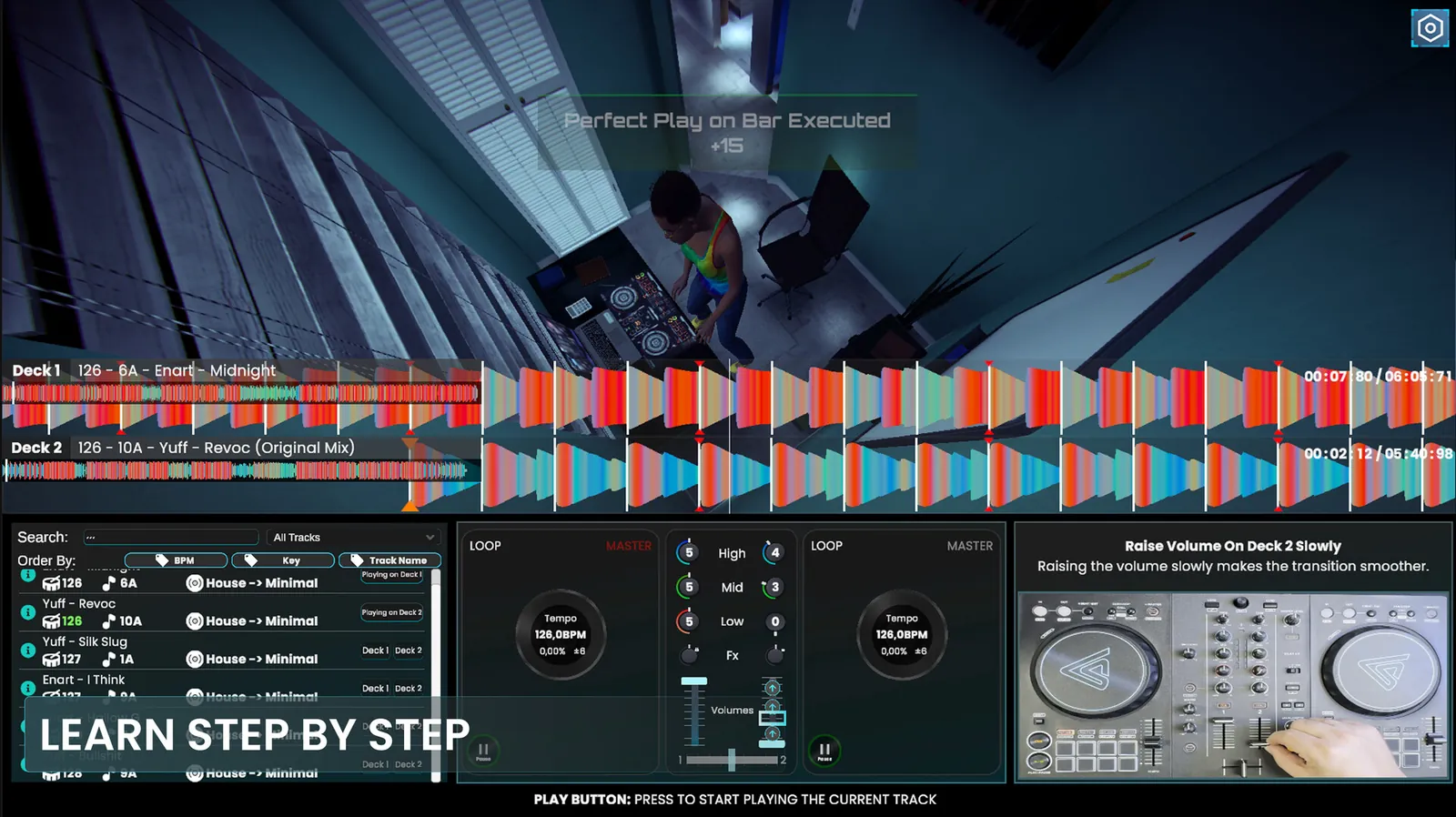
Dozens of guided lessons, from playing on the beat to phrasing, EQ swaps and FX. Each lesson checks what you did and shows you what to fix.
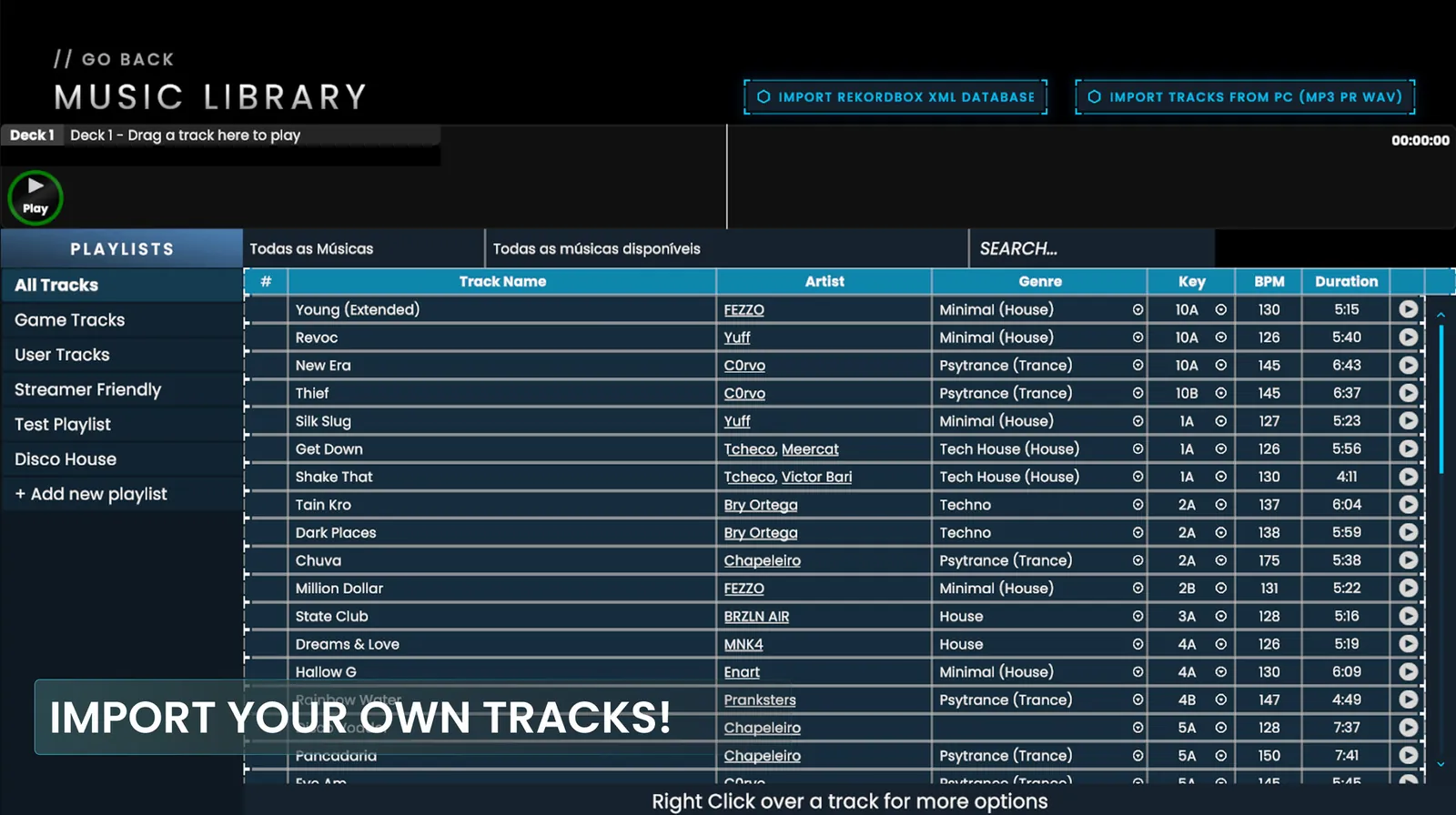
Load any track, including your own MP3, WAV or Rekordbox library, and practice transitions with no score and no pressure.
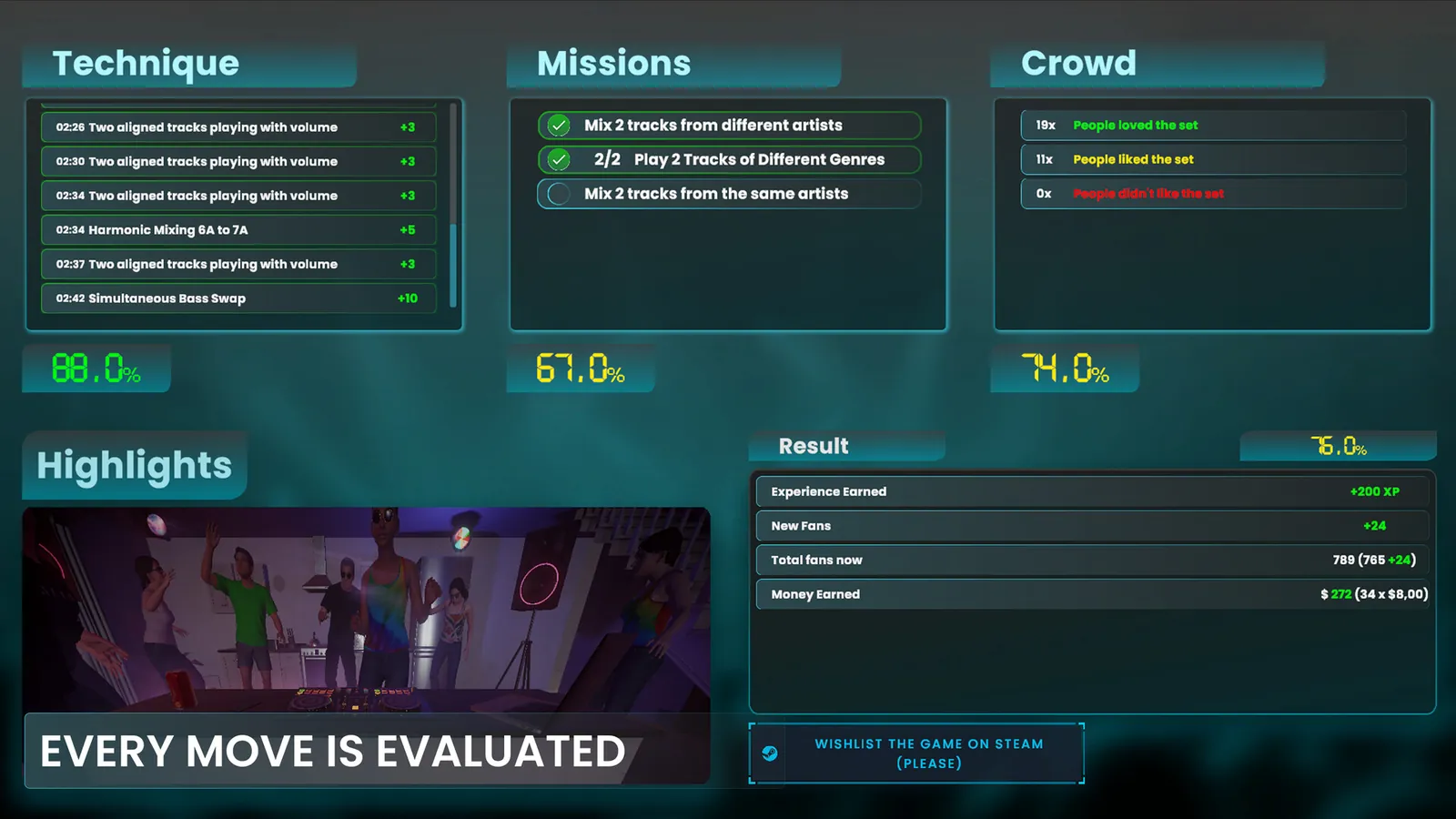
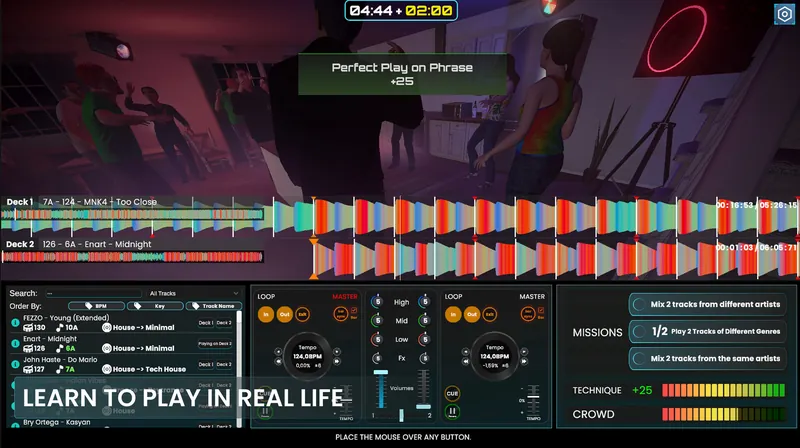
The game listens to your mix in real time. Technique, missions and the crowd's reaction add up to the grade at the end of each set, so you know exactly what to practice next.
Rhythm and beatmatching
Keep two tracks in sync using tempo, cue points and your ears.
Transitions
Move from one track to the next with the crossfader, channel faders and phrasing.
EQ and frequencies
Swap basslines and balance highs, mids and lows so the mix stays clean.
Filters and FX
Build tension and release with filters and effects.
Loops and beat control
Extend a section, hold a groove and set up the drop.
Reading the crowd
Choose tracks for the room and shape a set from intro to peak.
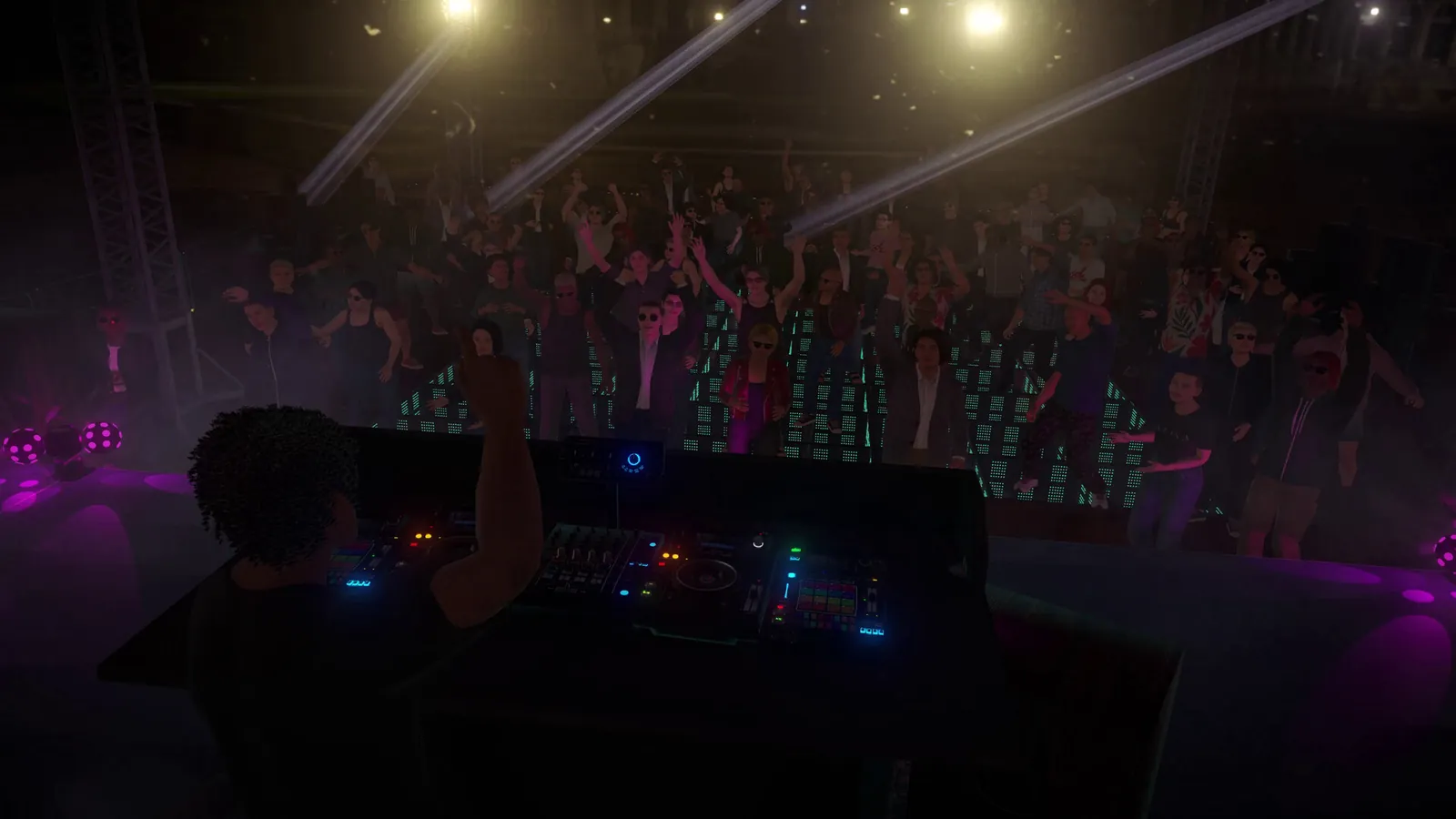
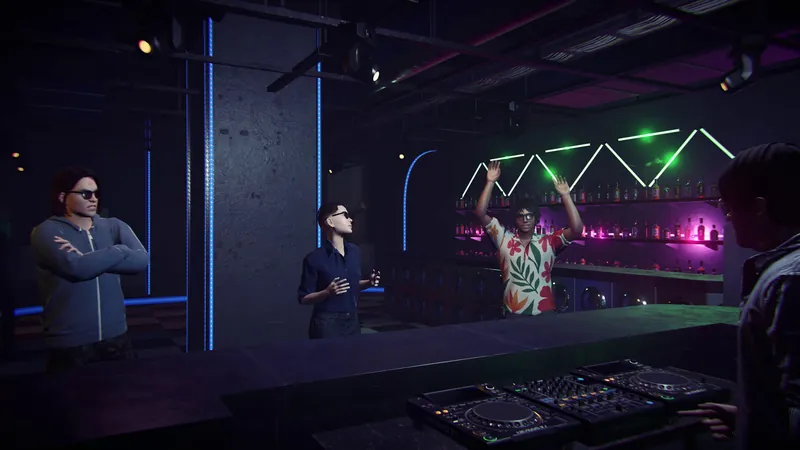
Every person on the dance floor has a music taste. Play what they love and they dance harder; clash two tracks and you'll hear about it.
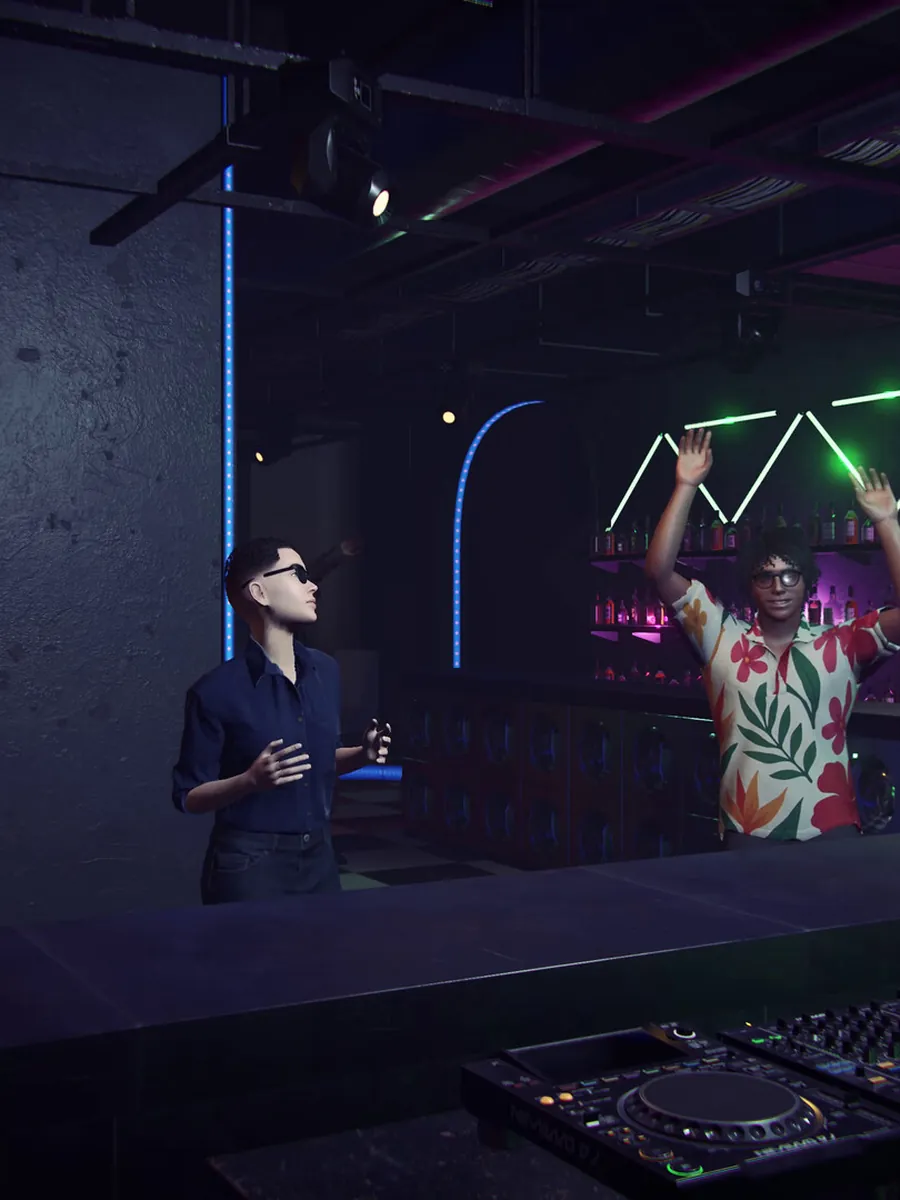
They comment on your set
Nail a trick or miss a beat and someone in the crowd says what they think.
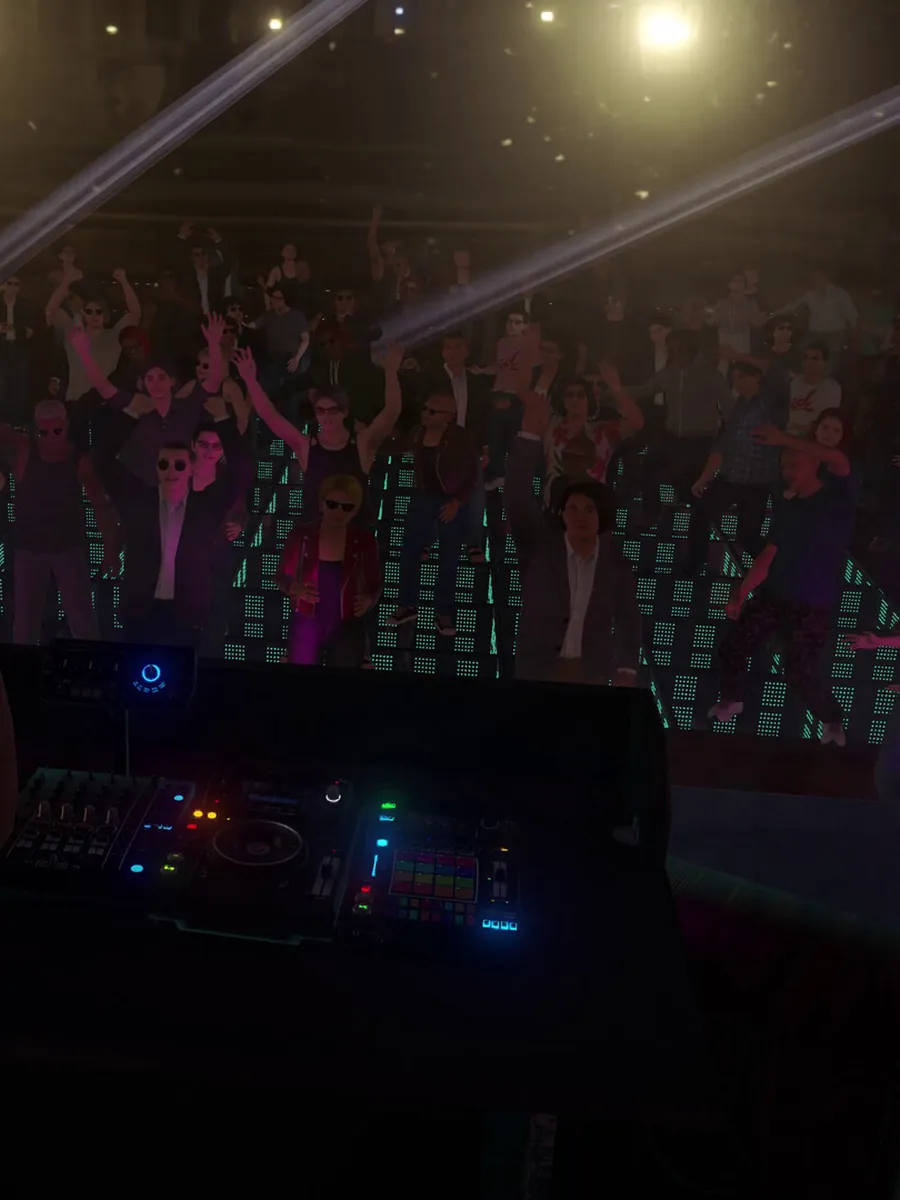
Your fans show up
As your fame grows, fans fill the front rows wearing a shirt with your DJ logo.

Every venue feels different
Beach parties, warehouse raves and packed clubs, each with its own crowd.
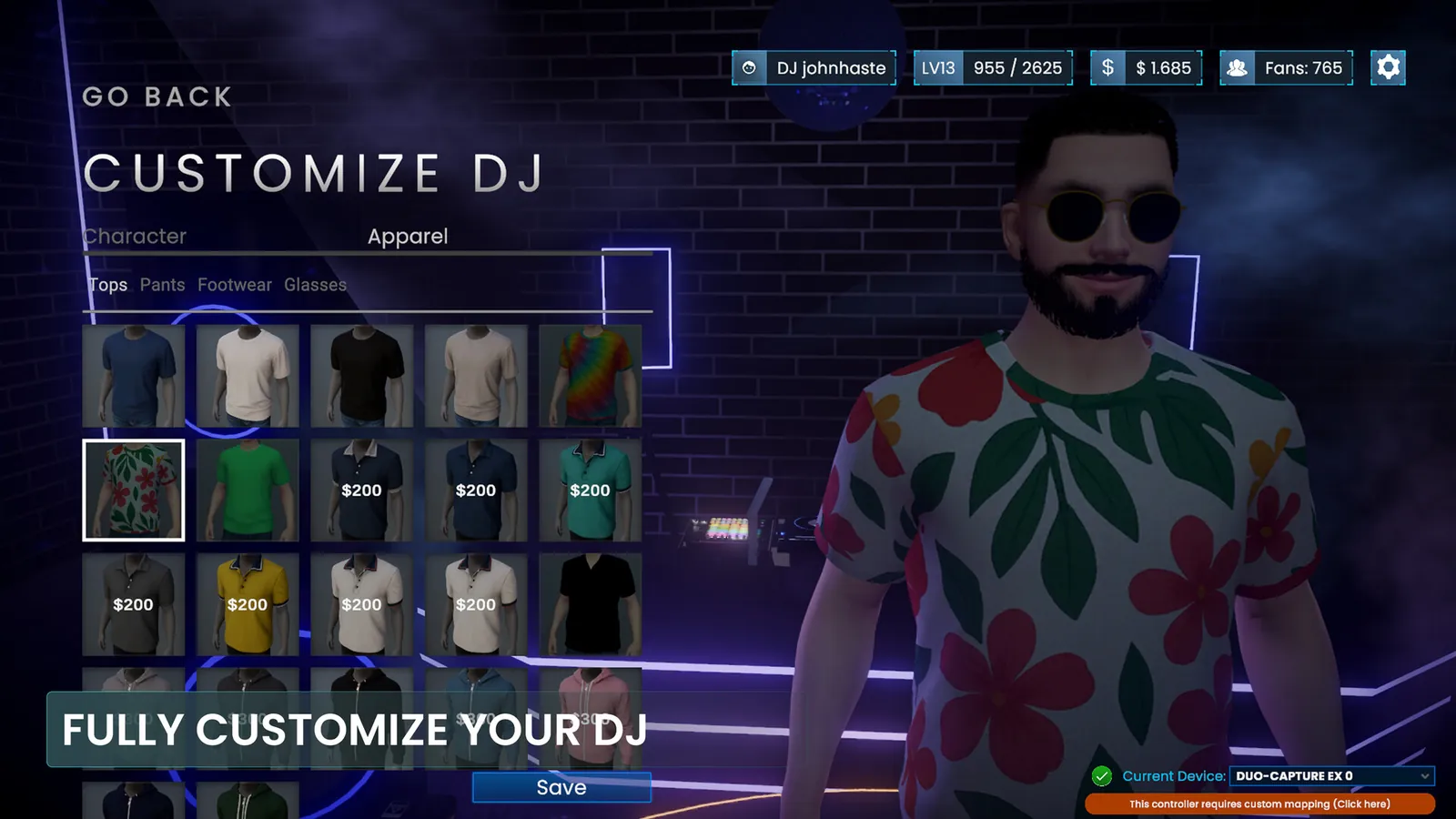
Spend what you earn from gigs on your look and your setup.
The courses are sold separately on Hotmart. They go deeper than the game, with real equipment, demonstrations and career advice you can follow at your own pace.
$19
Start your DJ journey
$29
Most popular
Everything in Fundamentals, plus
$39
Everything in Mixing, plus
Use the game in your classes and follow every student's progress.
Put your music in the hands of thousands of new DJs.
No. You can play with mouse and keyboard. A DJ controller is optional and makes it feel like the real thing.
Windows 10 or 11, 16 GB of RAM, an Intel Core i7 and 5 GB of free space. A dedicated graphics card gives the best performance.
No. The game starts from zero and teaches each technique step by step.
Yes. The game uses real DJ workflows, so what you learn carries over to real controllers and CDJs.
Yes. AlphaTheta and Pioneer DJ controllers are plug and play. Most other MIDI controllers can be mapped in the settings. Check yours in the controller list above.
No. You beatmatch, phrase, EQ and choose tracks like a real DJ. There are no notes falling down the screen.
House, techno and trance from more than 30 partner artists. You can also import your own MP3 and WAV files or your Rekordbox library.
No. The game explains what you need, when you need it.
English, Portuguese (Brazil), Spanish, Japanese, Korean, Simplified Chinese, French, German and Russian.
Yes. It's in Early Access on Steam and gets new lessons, venues, tracks and features with every update, shaped by feedback from players, DJs and artists.